 Swatchera
Scan it. Find it. Keep it.
Point your phone at any material. Know what it is, who sells it, and whether it suits the job.
Basic plan free for good, no card needed. Works on phone and computer. Invite-only beta.
 Detected: Marble look, white, veined
Try it: pick a material and a mode, then scan. Sample products and data; match scores are a guide and you confirm by eye.
You saw it. Then the hunt begins.
A tile in a showroom, a worktop in a client's home, a page in a magazine. As your sample library grows, it gets harder to search every year.
What exactly is it?
Hours of scrolling catalogues and websites.
The closest products by look, not by keywords, in seconds.
Who supplies it?
Phone calls and emails to find who sells it.
Who sells it, with their contact and the price per square metre.
Does it suit the job?
Size, finish, slip rating and lead time, all in different places.
Size, finish, stock and the spec sheet on one material page.
One app, from the first scan to the client's PDF.
No copying between catalogues, spreadsheets and email. Each step hands the material to the next. Follow one marble from the showroom to the handover.
Detected: Marble look, white, veinedKitchen showroom, Tuesday · mode AUTO
 · 94%
 · 86%
 · 83%
Match scores are a guide. You confirm by eye.
Saved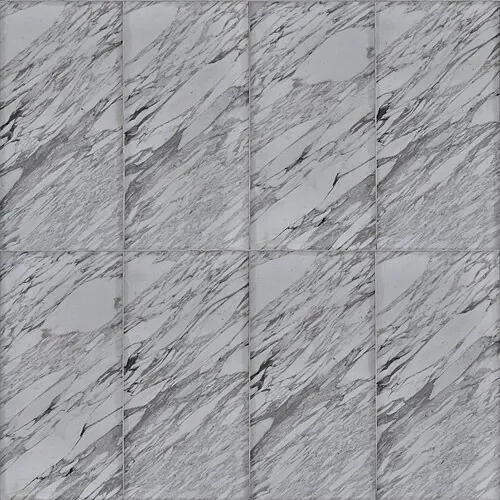
Library · 212 saved · grouped by look
· - Project
- Hale Street flat
- Location
- Kitchen worktop
- Area
- 4 m²
- Tag
- ST-02
- Status
- Specified
Added to the schedule. The total and budget update.
ST-02TL-01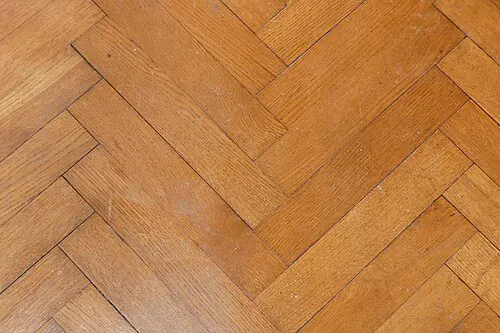 WD-01
Hale Street flat · Kitchen and living · board 1 of 5
Sample request · - Sent to the supplierTuesday 14:10
- Supplier is in touchTuesday 16:42
- Order agreedSample arrives Thursday
- Closed
The supplier gets the request straight away. You see where it stands.
ST-02From a scan to a specification sheet.
Put materials into a project and say where they go. Every material gets a tag, a status and its price, and the schedule writes itself.
| Tag | Material | Location | Supplier | m² | Price | Status |
|---|---|---|---|---|---|---|
| Materials total | £4,648 | |||||
- Tags you already useTL-01 for tile, ST-01 for stone, WD-01 for wood.
- Track every materialShortlisted, sample ordered, specified.
- Approvals on each spec sheetApproved, approved with comments, or reselect.
- One PDF, your pagesShow or hide status and price. The schedule also exports to a spreadsheet.

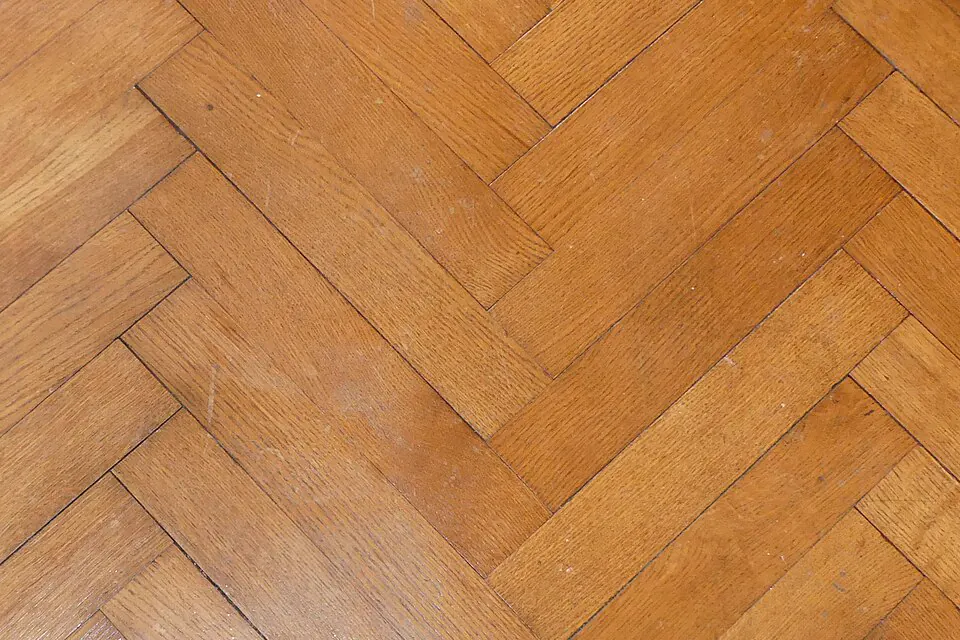
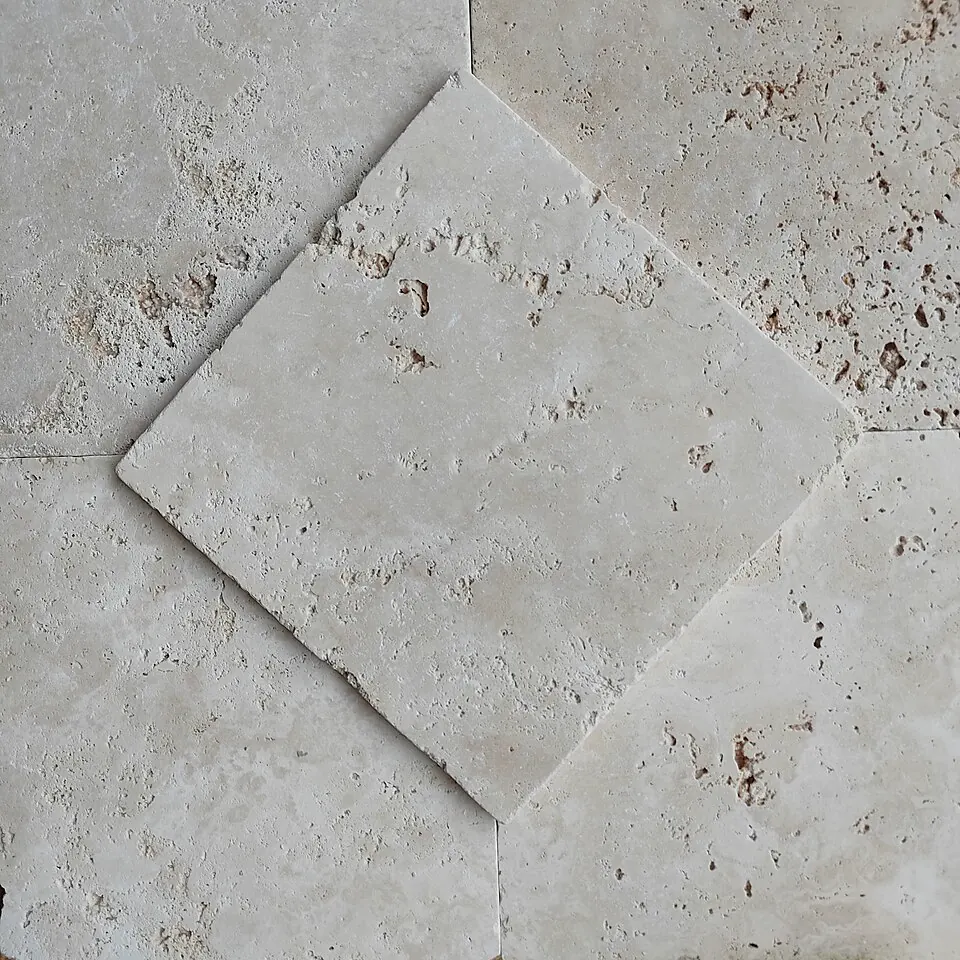
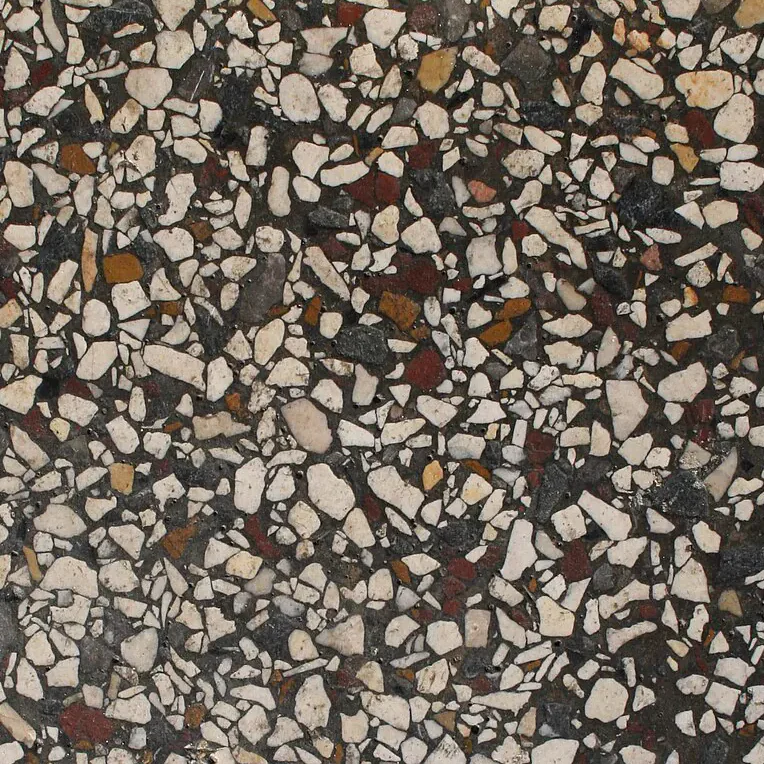
Hale Street flat · Board 1 of 5 · Sample products and data
Keep it. Then put it to work.
Everything you scan or save lands in one library. Your boards draw from the project's own materials, so they always match the specification.
- A library you can searchBy name, look or material. Filter by colour, size, brand and finish. Save favourites with one tap.
- Material boardsEach board has up to 5 sub-boards, one per room. Build on desktop or iPad, view on your phone.
- SamplesRequest one from the material page and see where it stands: sent, supplier in touch, order agreed, closed. A supplier can reply in the app. You can stop replies to any request, or report the conversation, and mark a request done or reopen it.
Everything the project needs, in one place.
- Compare and budget Freelancer and StudioCompare 2 to 4 materials side by side, differences highlighted. Set a budget and see what is left; each currency is added up on its own.
- Client link Freelancer and StudioA read-only link, no account needed.
swatchera.com/c/hale-street - Notes and filesKeep site notes, PDFs and pictures with the project. Freelancer and Studio.
- Run your studio StudioA shared library where you choose who edits, an Admin role, a studio overview and activity history. Exports carry your studio branding.
One library on phone and computer. In the beta it runs in your browser, so add it to your home screen.
Your eye decides.
Beside your judgment
Swatchera saves the hunt. Match scores are a guide, and you confirm every material by eye.
You stay in control
Your details and projects stay private unless you switch on sharing for a project. You can switch it off again. A material you add yourself is shown to other designers only if you choose to share it, after our team checks it.
Open to every supplier
Suppliers list free, with no commission. Nothing about you or your project reaches them automatically.
AI helps, and you decide
AI is on in the beta and gives a second opinion on your scan. Photos go to an outside AI service, with nothing about you. Switch it off any time in settings.
It never reorders or hides your matches. You make the final call.
- 1
- 2
- 3
- 4
- 5
- None
List it. Show it. Supply it.
Designers scan materials to find products. Be the one they find.
- Say yesWe invite you, or you claim your listing with your company email.
- Share your rangeLet us use your public catalogue, or upload a spreadsheet yourself, free.
- Your products go liveOnce your listing is live, products from your spreadsheet that pass our checks and have a photo go live as soon as the import finishes. New listings are checked by our team first. You can edit every product at any time.
- Stay up to dateEdit your products any time. Free listing, no commission, no limit on products.
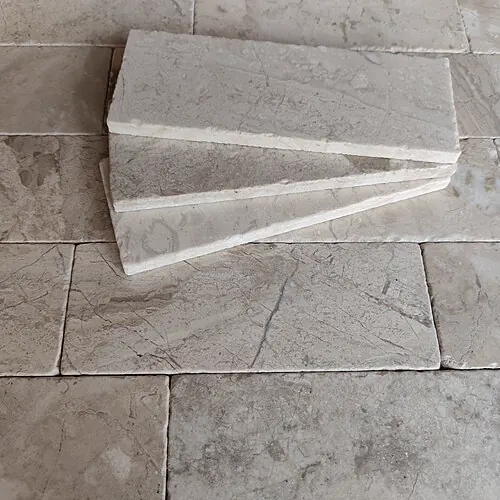
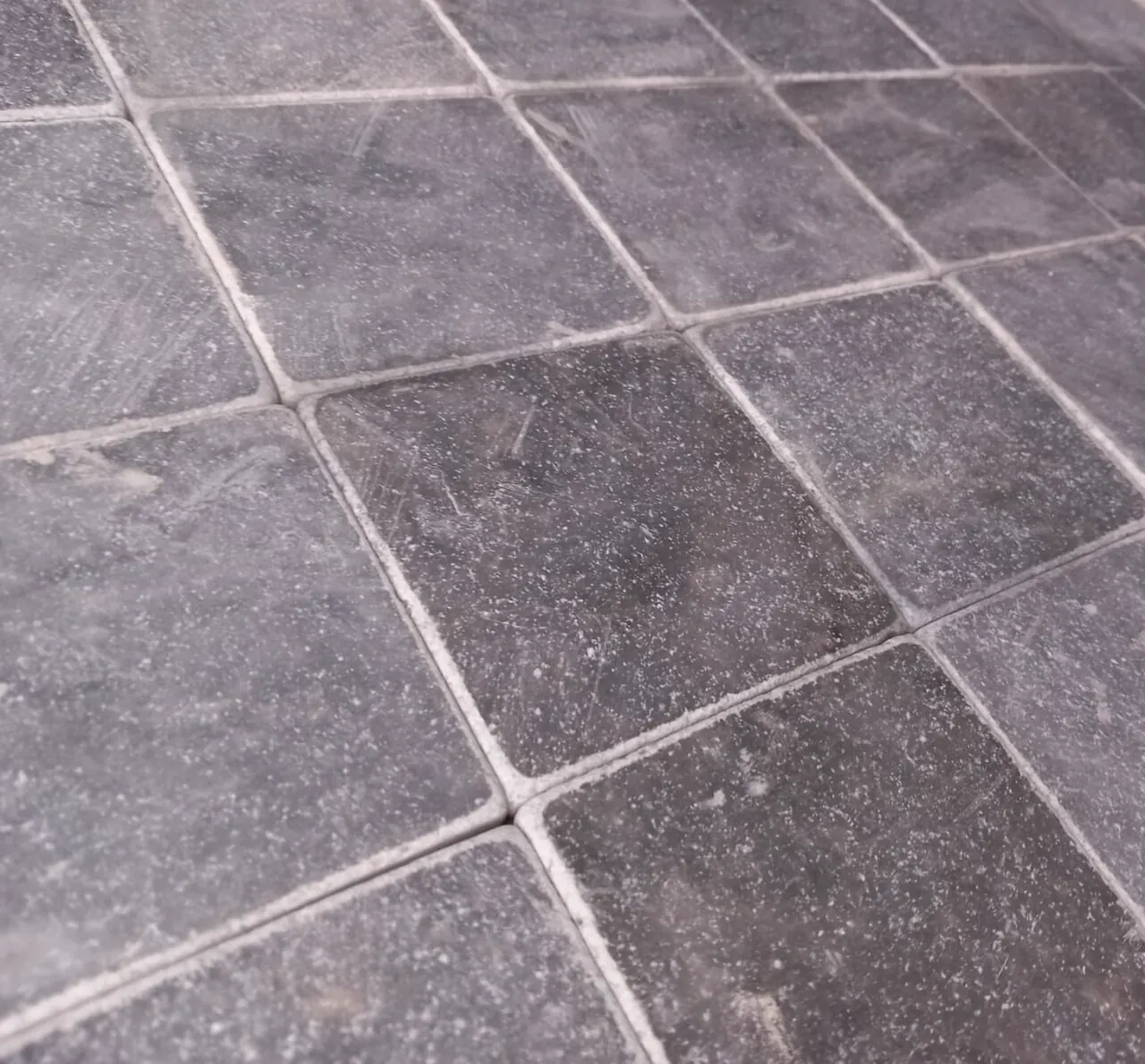 Afyon Grey marble · 10 × 10 cm · sample
Free to start, on both sides.
Monthly billing only. Nothing is charged during the beta. Our current plan, not final.
Questions
Anything else? Write to info@swatchera.com
Do I need to download an app?
No. The beta runs in your browser on phone and computer. Add it to your home screen.
How does the matching work?
AI is on by default in the beta and helps in two places: a second opinion on your scan (designers) and suggestions when you import a catalogue (suppliers). Our own matching always comes first. Photos are sent to an outside AI service for this, and nothing about you is sent with them. You can switch AI off in your account settings at any time, and everything works without it.
Who can see my projects?
Your details and projects stay private unless you switch on sharing for a project. You can switch it off again. A material you add yourself is shown to other designers only if you choose to share it, after our team checks it.
Do suppliers pay to be found?
No. Listing is free, with no commission and no limit on products.
What if I move back to Basic?
Work over the Basic limits is locked, not deleted. We keep it for up to 90 days, and it all comes back if you return to a paid plan in that time.
- AlphaOur own team used it every day on real work while we built the catalogue.
- Beta NOWInvited designers, a design studio and our first suppliers are starting on live projects and tell us when a match is wrong.
- LaunchOpen to every designer and supplier, with plans on the website.
- GrowingMore materials and suppliers, product feeds, sharper matching.